Google Workspace is built for company communication. High-volume cold sending is a different problem: it needs isolated domains, controlled mailbox capacity, clean authentication, warmup discipline, monitoring, and a way to recover when inboxes start to degrade.
That is why the best Google Workspace alternative depends on what you are really replacing. If you need employee email, calendar, docs, and internal collaboration, Google Workspace, Microsoft 365, or Zoho can be enough.
If you need 50, 200, or 1,000 cold email inboxes, the safer answer is outbound infrastructure. For that, Infraforge belongs first because it is built around control: domains, mailboxes, DNS, dedicated IPs, workspaces, and sending-tool fit.
The mistake is treating official email platforms as cold email infrastructure just because they can technically send email.
Platform limits are not safe cold email targets. A high-volume outbound system has to protect the primary company domain, spread risk across secondary domains, and ramp volume based on reputation rather than ambition.
Disclaimer:Cold email infrastructure tools do not guarantee inbox placement, deliverability, or legal compliance. Results depend on DNS setup, sender reputation, domain history, list quality, bounce handling, unsubscribe handling, message relevance, and local laws. Verify pricing, ownership terms, replacement policy, refund terms, and sending limits before buying.
Quick verdict: pick the infrastructure model first
Choose the infrastructure model before you choose the vendor. If you are sending from two or three employee inboxes, Google Workspace may still be fine.
If you are building 50, 200, or 1,000 sending inboxes, you need a system that protects your primary domain and keeps outbound capacity manageable.
Tool
Best for
Infrastructure model
Cold-send strength
Watch out for
Infraforge
Private outbound infrastructure
Dedicated-IP infrastructure
Control over domains, mailboxes, DNS, IPs, and monitoring
Overkill for basic employee email
Microsoft 365 / Exchange Online
Outlook-heavy target markets
Mainstream business email
Good provider diversification when buyers use Microsoft
Still needs warmup, rotation, and sending controls
Zoho Mail
Low-cost business email
Business email suite
Cheap custom-domain inboxes for light sending
Not built as cold-send infrastructure
MailDeck
Multi-provider cold-email operations
Outlook, Google, SMTP, and diversified stacks
Useful capacity planning by sends, domains, and provider mix
Cold outreach breaks when operators confuse platform ceilings with safe sending volume. The correct order is:
Infrastructure first. Warmup second. Clean list third. Personalized copy fourth. Volume last.
Why cold-email teams replace Google Workspace differently
Most Google Workspace alternative articles compare office suites. That misses the outbound problem. A cold email team is not only choosing mail, storage, chat, and calendar.
It is choosing where sender reputation lives, how many domains carry volume, how quickly damaged inboxes can be replaced, and whether one provider can throttle the whole outbound motion.
Google Workspace works well for employees. The problem starts when teams use one Workspace tenant as outbound infrastructure.
Every bounce, complaint, bad list, broken unsubscribe flow, and warmed-too-fast mailbox can affect a domain that may also support customers, hiring, finance, investors, and support.
Domain blast radius: outbound failures should not damage core company email.
Mailbox provisioning: 100 inboxes means DNS, tracking domains, user setup, recovery, and rotation.
Provider mix: Outlook-heavy prospect lists often need Microsoft sender coverage.
Cost curve: employee-seat pricing and outbound-inbox pricing are not the same buying model.
Control: shared, Google/Microsoft, and private infrastructure make different tradeoffs.
That is the frame for this list.
How I evaluated Google Workspace alternatives for cold sending
The right alternative is not the tool with the most workplace apps. It is the setup that gives your team enough control over domains, inboxes, provider mix, email warmup, monitoring, and cost per working sender.
Infrastructure control: Can cold sending be separated from employee email with secondary domains, DNS control, mailbox rotation, and provider choice?
Deliverability workflow: Does the setup support SPF, DKIM, DMARC, warmup, inbox placement checks, sender limits, and recovery when inboxes degrade?
Operational load: How much work remains for IT or RevOps after buying the product?
Cost at scale: What happens at 20, 100, and 300+ inboxes once domains, add-ons, warmup, monitoring, and sending software are included?
Risk boundaries: Does the tool reduce tenant risk, domain risk, provider concentration risk, and the temptation to treat official daily limits as safe cold-email limits?
The 5 best Google Workspace alternatives for high-volume cold sending
Alternative
Best use case
Setup model
Scale fit
Pricing note
Avoid if
Infraforge
Private outbound infrastructure
Dedicated-IP domains and mailboxes
Strong for teams that want control
$3-$4/mailbox/mo range; IP/slot needs matter
You only need normal employee email
Microsoft 365
Outlook-heavy outbound
Standard Microsoft admin
Strong as one provider in the mix
$6/user/mo Business Basic yearly
You need managed cold-email ops
Zoho Mail
Low-cost company email
Standard Zoho admin
Light outbound only
Region-sensitive pricing
You need high-volume sender infrastructure
MailDeck
Diversified cold-email infrastructure
Outlook, Google, SMTP, mixed stacks
Strong for volume planning
Plans vary by platform and sends/month
You want one simple employee suite
Primeforge
Managed Google/Microsoft inboxes
Provisioned Workspace/M365 mailboxes
Strong for 20-300+ inboxes
$3.50-$4.50/mailbox/mo range
You need dedicated private IP control
1. Infraforge: Best for private cold-email infrastructur
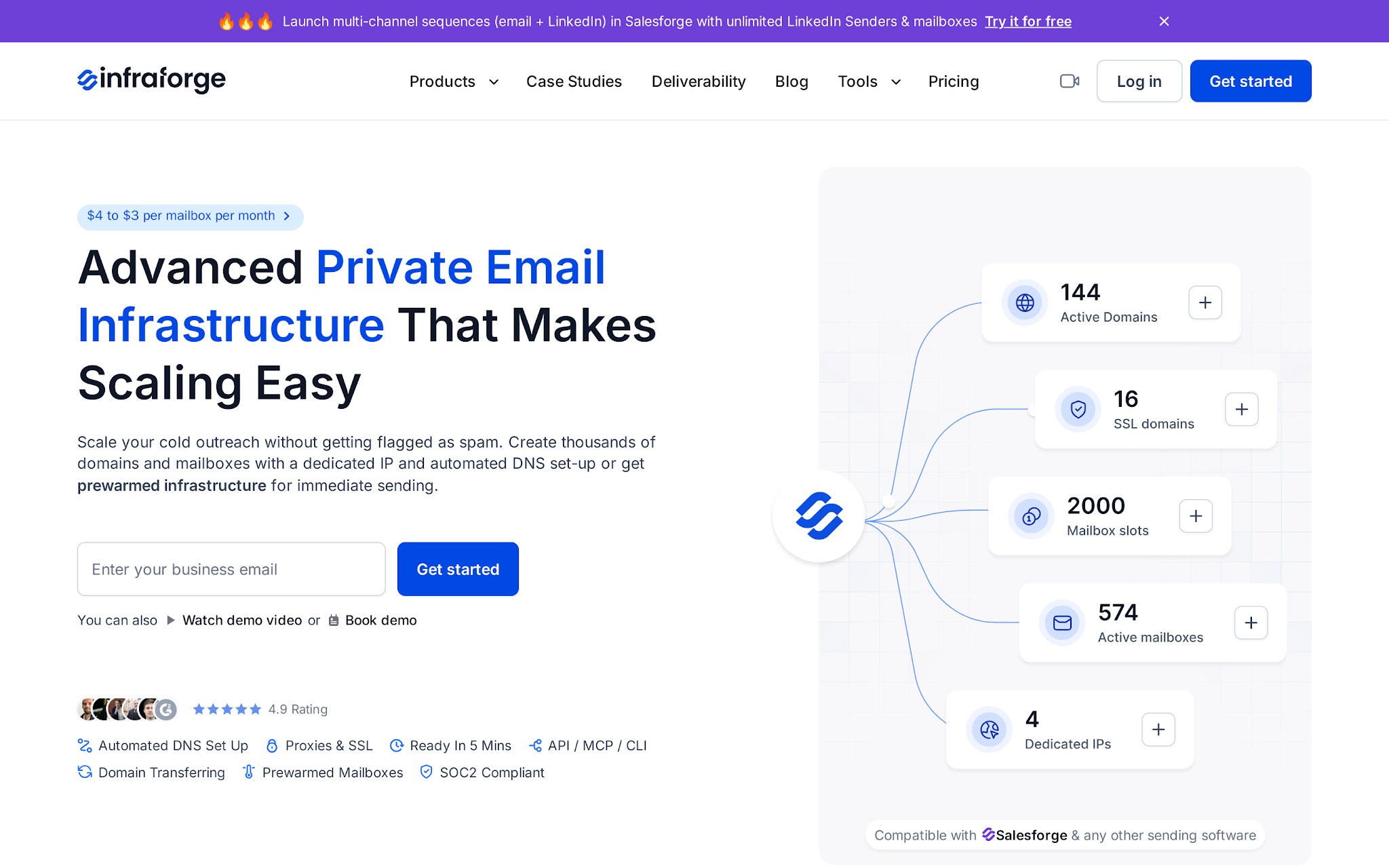
This image shows the Infraforge private cold email infrastructure
Infraforge should come first when the article is for high-volume cold sending.
It is not trying to replace Docs, Drive, or Calendar. It replaces the unsafe pattern of turning Google Workspace into cold-email infrastructure.
Infraforge is the private-infrastructure option in the Forge stack. It gives operators domains, mailboxes, automated DNS, dedicated IP infrastructure, monitoring, and sending-tool compatibility.
That makes it the right fit when the question is not “Which office suite should employees use?” but “How do we scale outbound without putting the primary domain in the blast radius?”
Automated SPF, DKIM, DMARC, and custom tracking-domain setup for each domain.
Unlimited domains and mailboxes for teams building real sending capacity.
Dedicated IP infrastructure with multi-IP provisioning for operators who want more control than shared pools.
Pre-warmed domains and mailboxes for faster campaign readiness.
Multiple workspaces for agencies, campaigns, or business units.
Infraforge API plus direct Salesforge compatibility for stack-level execution.
Pricing
Infraforge sits in the $3-$4 per mailbox per month range and bundles automated DNS setup, mailbox hosting, and maintenance into that subscription.
That is not the full cost of sending. Budget for domains, dedicated IP needs, warmup time, inbox placement monitoring, the sending platform, replacement capacity, and the operator time to manage reputation.
At 200 mailboxes, the useful comparison is not sticker price against Workspace or MS365. It is cost per working sender and cost per booked meeting.
Pros
Built specifically for private outbound infrastructure rather than employee email and collaboration workloads.
Includes automated DNS configuration, dedicated IP options, mailbox monitoring, and infrastructure controls designed for large-scale cold outreach.
Fits naturally into the Forge ecosystem with Infraforge for infrastructure, Warmforge for warmup, Salesforge for outreach, and Agent Frank for AI SDR automation.
Gives teams more control over their outbound environment when dedicated infrastructure is a priority.
Designed for businesses that want to separate outbound sending infrastructure from their primary business email setup.
Focuses on deliverability, scalability, and infrastructure management rather than general workplace email features.
Cons
It is not an office suite; Infraforge is built around cold-email infrastructure, not docs, storage, meetings, or employee collaboration.
Private infrastructure creates more control, but sender behavior still matters; Google’s sender guidelines tie reputation to authentication, spam rates, unsubscribe handling, and gradual volume increases.
Dedicated IPs are not magic. If a team sends too hard from poor lists, it can damage its own infrastructure faster than a shared pool would absorb the error.
It is not the lowest-friction option for a tiny team; Infraforge requires teams to purchase domains and mailboxes instead of starting with a free trial.
Use Infraforge if you are serious about controlling the outbound layer: domains, mailboxes, DNS, IPs, monitoring, and sending-tool fit.
Avoid it if the real need is five employee inboxes and shared folders.
2. Microsoft 365 / Exchange Online: Best for Outlook-heavy outbound
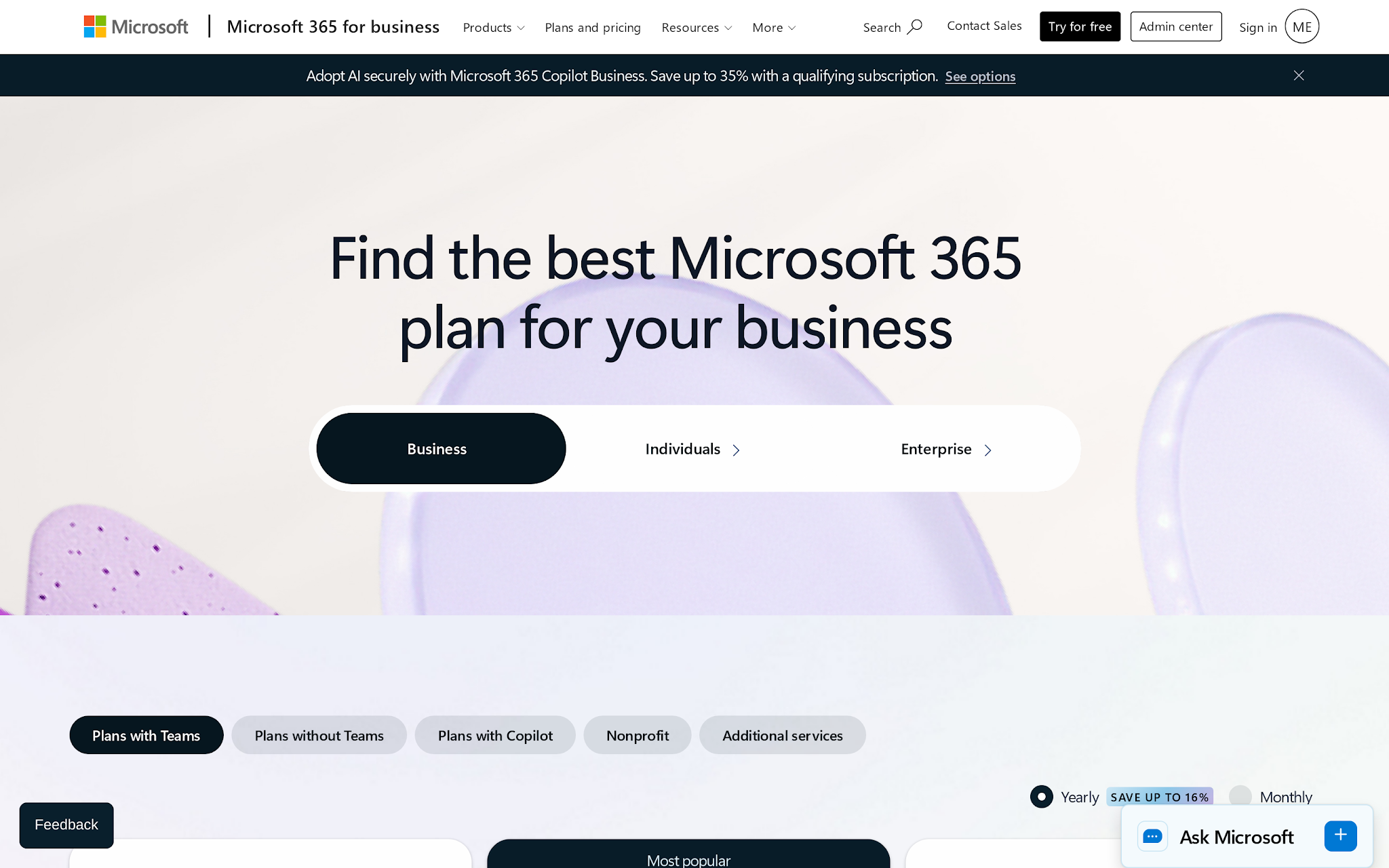
This image shows the Microsoft 365 business pricing
Microsoft 365 is the alternative when your company or prospect base is Outlook-heavy.
It gives you Exchange Online and Outlook. That can be valuable in a provider-diversified outbound system, especially if a large share of your buyers sit inside Microsoft environments.
But Microsoft is still a business email provider. It is not a cold-email infrastructure operating system.
Key features
Microsoft 365 Business Basic at $6/user/month paid yearly.
Business Standard at $12.50/user/month paid yearly for teams that need desktop Office apps.
Exchange Online business email with admin controls and Outlook.
$6/user/month looks cheaper than many cold-email infrastructure tools until you model the work. For outbound, every mailbox is not an employee. It is a sender.
Add domains, tenant setup, SPF/DKIM/DMARC, tracking domains, warmup, health checks, mailbox rotation, replacement inboxes, and Salesforge or another sending layer.
Microsoft is cost-effective when IT already owns the admin work and Outlook sender identity matters.
It becomes expensive when RevOps has to manually create and maintain hundreds of mailboxes just to avoid buying purpose-built infrastructure.
Pros
Strong fit for teams selling into Outlook-heavy organizations where Microsoft sender identity matters.
Includes Exchange Online, Outlook, Teams, and Office applications in a single ecosystem.
Works well for companies that already have Microsoft tenant governance and IT processes in place.
Supports provider diversification strategies for outbound teams that do not want to rely solely on Google-based mailboxes.
Cons
Exchange Online limits make Microsoft a poor fit for bulk-mailing scenarios once message-rate limits are exceeded.
3. Zoho Mail: Best for low-cost business email, not heavy cold sending
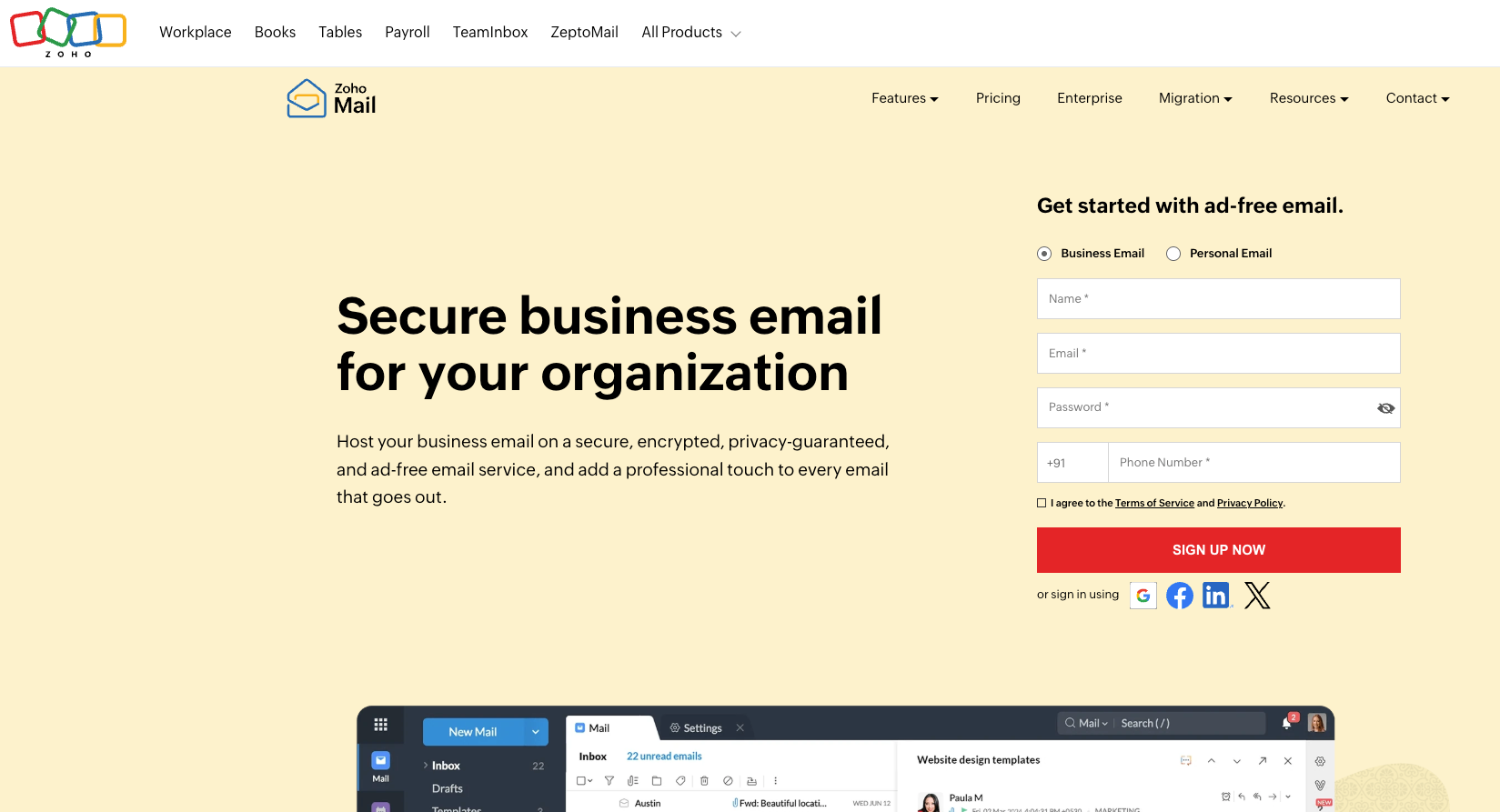
This image shows the Zohomail homepage
Zoho Mail is the budget alternative.
That is useful. It is just a different job.
If a small team wants custom-domain business email at a lower price than Google Workspace, Zoho belongs in the conversation. If an outbound team wants to run high-volume cold sending, Zoho should be treated as light business email, not the foundation for aggressive sending.
Mail Lite and Mail Premium tiers for business email through Zoho Mail pricing.
Zoho Workplace bundles Mail with office and collaboration apps.
Mail storage, retention, eDiscovery, backup, and security features vary by plan.
Migration support for businesses moving mailboxes.
Calendar, mobile apps, desktop access, and admin features for everyday email.
Region-sensitive pricing, so final cost depends on checkout location and billing terms.
Pricing
Zoho’s pricing is attractive for employee email, but cold sending changes the math. A low per-user price does not include outbound sequencing, warmup, inbox placement tests, provider diversification, domain replacement, or expert infrastructure management.
It works when you need 5-20 inexpensive business mailboxes. It gets risky when the low price encourages a team to push volume through inboxes that were not bought, warmed, or monitored as cold-email infrastructure.
Pros
Low-cost custom-domain business email for startups and small businesses.
Includes email, collaboration, and workplace tools without requiring a large software budget.
Suitable for teams that need employee email rather than dedicated outbound infrastructure.
Easy way to reduce business email costs while maintaining professional domain-based communication.
Cons
Zoho Mail is business email and workplace software, not managed cold-email infrastructure.
It does not solve provider-mix needs for Microsoft-heavy or Google-heavy outbound in the way Primeforge does with Google and Microsoft mailboxes.
Region-sensitive pricing makes exact comparisons fragile; verify final currency and billing terms on Zoho Mail pricing.
Cheap mailboxes are not cheap if inbox placement drops, domains burn, or manual admin blocks campaigns; Google’s sender guidelines make sender behavior, authentication, spam rates, and unsubscribe handling part of reputation management.
Use Zoho Mail for budget business email.
Avoid it for high-volume cold sending unless volume is low, lists are clean, and you accept the operational risk.
4. MailDeck: Best for diversified cold-email infrastructure planning
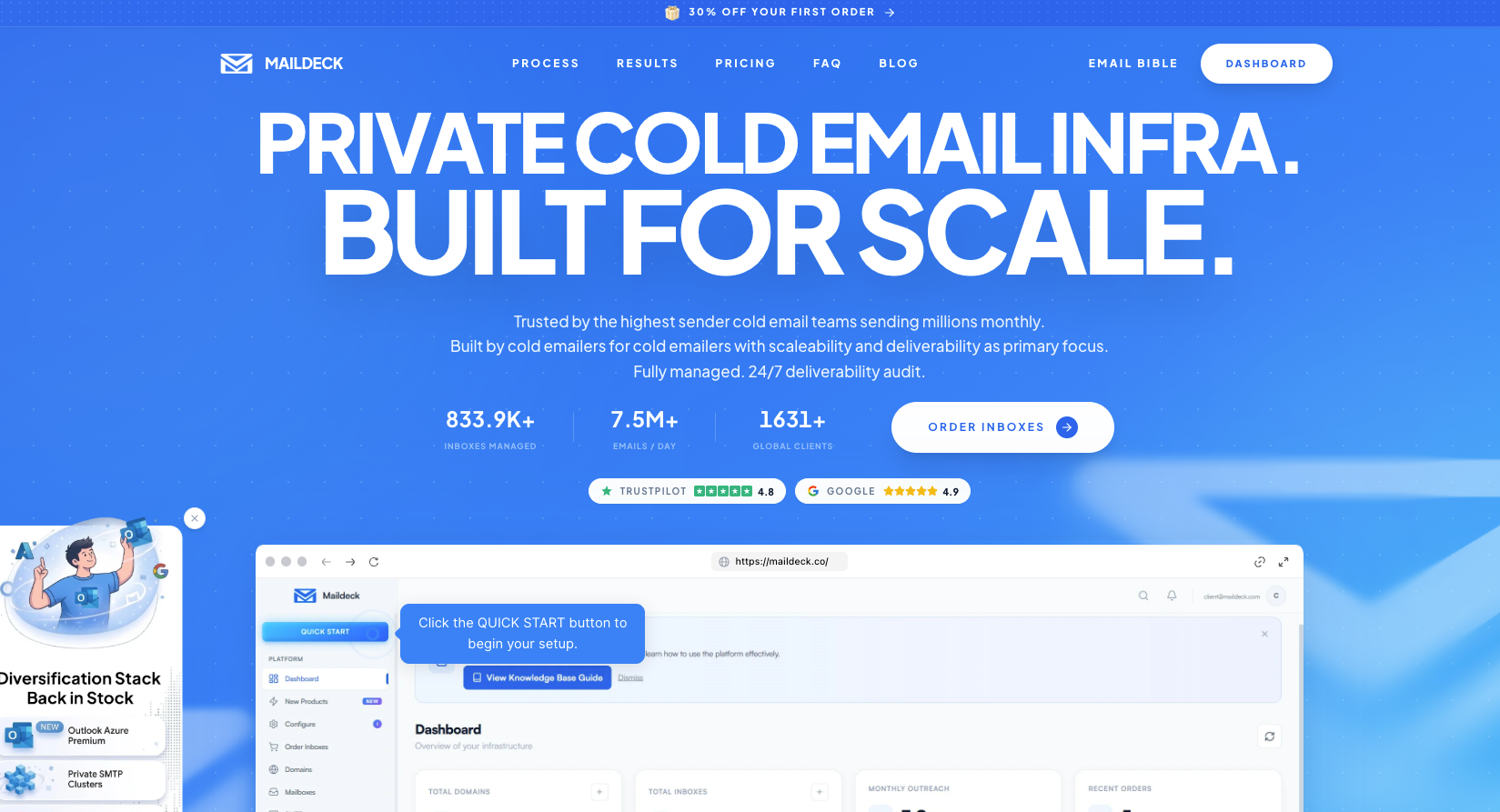
This image shows the Maildeck homepage about cold email infrastructure
MailDeck is the strongest non-Forge option in this tool set for operators who want to plan infrastructure by provider mix and sends per month.
It sells cold-email infrastructure across Outlook, Google Workspace, SMTP, and diversified-stack models. That is closer to the real outbound decision than a standard office-suite comparison.
The tradeoff is complexity. MailDeck pricing is not one clean per-seat number because the product is capacity planning: domains, tenants, inboxes, sends/month, provider mix, and add-ons.
Key features
Outlook, Google Workspace, SMTP, diversified stack, and pre-warmed inbox options.
Outlook infrastructure plans with 100 inboxes per domain and safe-send guidance per inbox/day.
Google Workspace infrastructure plans with mailbox slots, included domains, admin panel, monitoring, integrations, and API access.
Private SMTP pricing by inbox.
Diversified-stack calculator that mixes Outlook, SMTP, and Google.
Real-time monitoring and alerts for Google and diversified infrastructure plans.
15+ sending-tool integrations across infrastructure plans.
Pricing
MailDeck pricing depends on the infrastructure type: Outlook, Google Workspace, SMTP, or diversified stack.
Outlook plans start at around $30/month per domain with 100 inboxes per domain and a minimum order of 2 tenants. Google Workspace plans start at around $39/month for 10 mailbox slots, with larger plans at $99/month for 30 slots and $299/month for 100 slots. Extra Google mailbox slots cost around $2.99 each.
Private SMTP starts at around $0.50 per inbox with a 100-inbox minimum. Diversified plans that combine Outlook, SMTP, and Google start at around $99/month and scale based on sending volume, domains, and provider mix.
Overall, MailDeck pricing is based on mailbox slots, domains, provider mix, and sending capacity rather than simple per-user email pricing.
Pros
Designed specifically for cold-email infrastructure planning rather than employee email.
Supports Google Workspace, Outlook, SMTP, and diversified provider strategies from a single platform.
Makes outbound capacity planning easier through provider-mix and send-volume modeling.
Includes monitoring, infrastructure visibility, and sending-tool integrations for larger outbound programs.
Cons
MailDeck Outlook plans use safe-send ranges per inbox/day, so capacity still depends on staying inside conservative usage patterns.
It is not an employee productivity suite; MailDeck is built around cold-email infrastructure, not docs, internal storage, or collaboration.
If you already run the Forge stack, MailDeck may add a separate infrastructure dashboard where Infraforge, Primeforge, Warmforge, and Salesforge already cover the operating sequence.
Use MailDeck if you want provider diversification and you are willing to model capacity.
Avoid it if you want one simple replacement for Google Workspace employee email.
5. Primeforge: Best for managed Google and Microsoft cold-email mailboxes
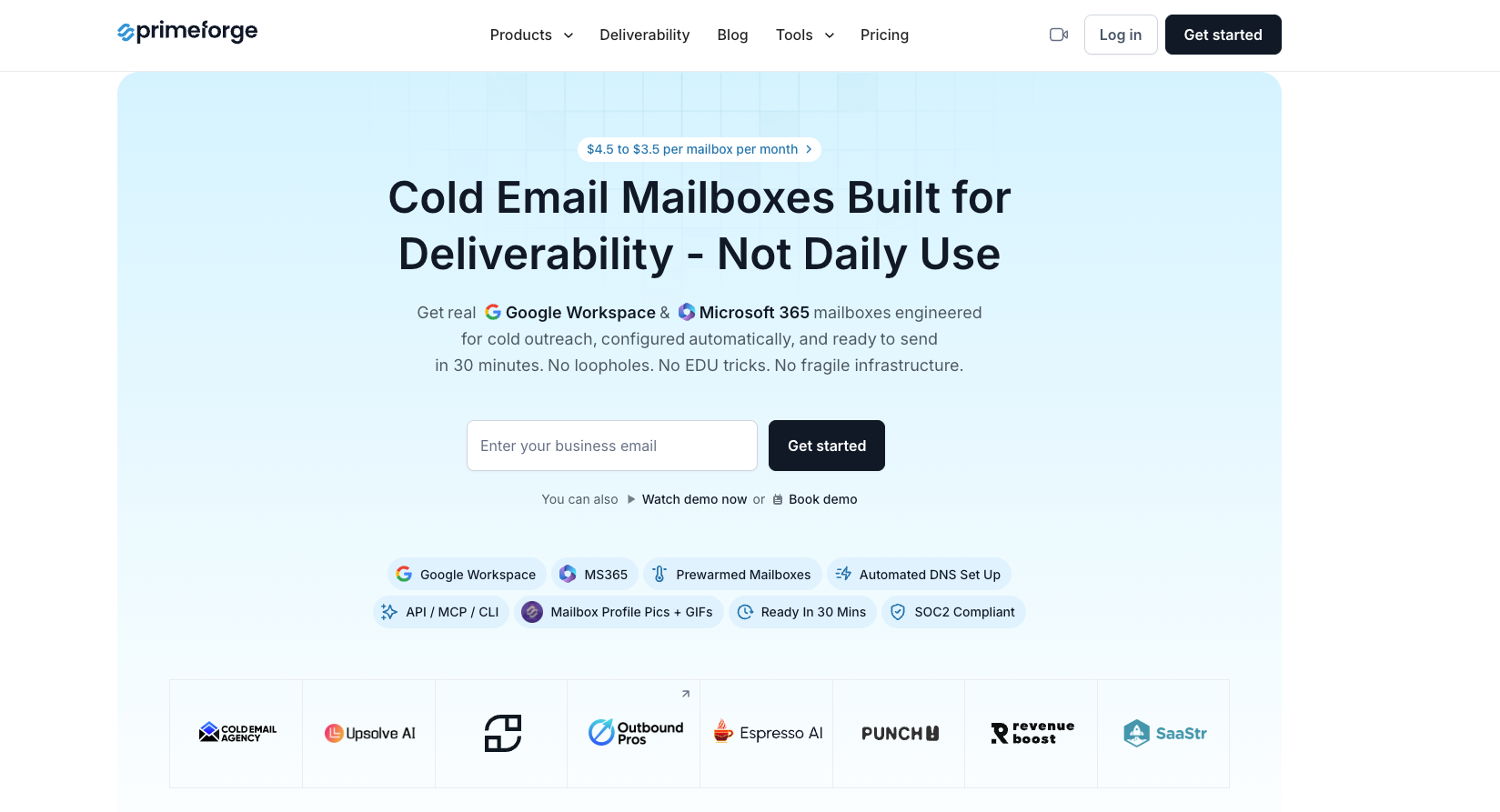
This image shows the Primeforge homepage about cold email mailboxes
Primeforge is the right tool when you still want Google Workspace and Microsoft 365 mailboxes, but you do not want to build every tenant and DNS record manually.
That is a specific use case. It is not private infrastructure like Infraforge. It is not a low-cost business email like Zoho.
It is managed by branded-provider mailbox provisioning for cold outreach.
Use it when ESP matching matters and Google/Microsoft sender identity is part of the outbound strategy.
Key features
Google Workspace and Microsoft 365 mailboxes for cold outreach on Primeforge.
$3.50-$4.50 per mailbox per month pricing range.
Mailboxes ready in about 30 minutes.
Automated DNS setup for SPF, DKIM, and DMARC.
Google and Microsoft provider mix for ESP matching.
US IP addresses.
Multiple workspaces for agency or multi-campaign operations.
Compatibility with Salesforge and other sending tools.
Pricing
Primeforge is mailbox pricing for managed Google/Microsoft sender identity. At 20 inboxes, it buys back setup time. At 100-300 inboxes, it can be cheaper than making RevOps manage every Google and Microsoft admin workflow manually.
But it is still one layer. You still need warmup, sequence management, list hygiene, inbox placement checks, and replacement capacity.
Primeforge gets expensive only if the buyer thinks mailbox provisioning equals the whole outbound system.
Pros
Provides managed Google Workspace and Microsoft 365 mailboxes built specifically for cold outreach.
Automates SPF, DKIM, and DMARC setup to reduce manual infrastructure work.
Supports Google and Microsoft provider diversification for ESP matching strategies.
Scales mailbox provisioning for agencies and outbound teams running multiple campaigns.
Integrates naturally with warmup, sending, and outbound workflows inside the Forge ecosystem.
Cons
It is not an office suite; Primeforge is cold-email mailbox infrastructure, not docs, storage, or internal collaboration.
It is not a private dedicated-IP infrastructure; choose Infraforge when infrastructure control matters more than Google/Microsoft sender identity.
A 30-minute mailbox setup does not remove warmup needs; Warmforge recommends warming mailboxes before prospecting.
Poor list quality and spam complaints still hurt sender reputation; Google’s sender guidelines keep responsibility on authentication, complaint rates, unsubscribe handling, and sending behavior.
Use Primeforge if you need managed Google and Microsoft cold-email inboxes.
Avoid it if you need private infrastructure control or normal employee collaboration tools.
Pricing: what each option really costs for cold sending
Do not compare these tools by seat price alone.
A normal company buys one mailbox per employee.
An outbound team buys sending capacity.
That means domains, inboxes, warmup, monitoring, sending software, replacement capacity, and the person who keeps the system healthy.
Use Case
Better Starting Point
Approximate Mailbox / Infrastructure Cost
Why
2-10 Inboxes for Light Outreach
Microsoft 365 or Zoho Mail
Zoho: about $2-$10/month for 2-10 users. Microsoft 365: about $12-$60/month for 2-10 users.
Keep setup simple while validating ICP and copy.
20-100 Inboxes for Repeatable Outbound
Primeforge or Infraforge
Primeforge: about $70-$450/month. Infraforge: about $60-$400/month before dedicated IPs and add-ons.
Reduce manual setup and isolate sending from the primary domain.
100-300+ Inboxes for Scaled Outbound
Infraforge plus provider mix where needed
Infraforge mailbox base: about $300-$1,200/month. Add dedicated IPs, domains, monitoring, and sequencer cost.
More control over domains, IPs, monitoring, and replacement capacity.
Agency or Multi-Client
Infraforge workspaces or MailDeck
MailDeck diversified examples start around $99/month for smaller capacity and move to $399+/month for larger mixed-provider capacity.
Client separation and capacity planning matter.
At the outbound scale, cheap inboxes can be expensive and expensive inboxes can be cheap. The deciding metric is not mailbox price. It is a working sender capacity that produces pipeline without damaging the domain base.
Christian Bonnier, cited in the Salesforge bulk email guide after 10 million cold emails sent, frames scale as distribution: many domains, many mailboxes, each carrying a small load. For 1,000 emails per day, the guide models roughly 70 domains and 140 mailboxes.
Final decision guide
Choose Infraforge if the real problem is high-volume cold sending. It gives operators private infrastructure control across domains, mailboxes, DNS, dedicated IPs, monitoring, and sending-tool fit.
Choose Microsoft 365 if Outlook fit matters and your IT team can manage the tenant, domains, authentication, warmup, and rotation work.
Choose Zoho Mail if the priority is low-cost business email. Do not choose it as the base for aggressive cold-send scale.
Choose MailDeck if you want a diversified cold-email infrastructure model and you are comfortable planning capacity by sends/month, provider split, and domain count.
Choose Primeforge if you want to manage Google Workspace and Microsoft 365 mailboxes for cold outreach without manually building every account.
Personalized Outbound Strategy
Get The Right Outbound Strategy In Minutes
Enter your email to get a custom plan & stack recommendation for your
business
It's being carefully crafted by AI
Please check your mailbox in 5 minutes
Who should not choose Salesforge or the Forge stack?
Teams that only need employee email, calendars, documents, storage, and light outreach from a few inboxes should keep it simple. Buy Microsoft 365, Zoho Mail, or Google Workspace directly.
Teams where outbound is a real pipeline system should think in layers: Infraforge for private infrastructure or Primeforge for managed Google/Microsoft mailboxes, Warmforge for warmup and monitoring, Leadsforge for verified data sources for clean lists, Salesforge for sending, and Agent Frank for AI SDR execution.
The order matters: infrastructure first, warmup second, clean list third, personalized copy fourth, volume last. That is not a slogan. It is the order that keeps the system from breaking.